 11
11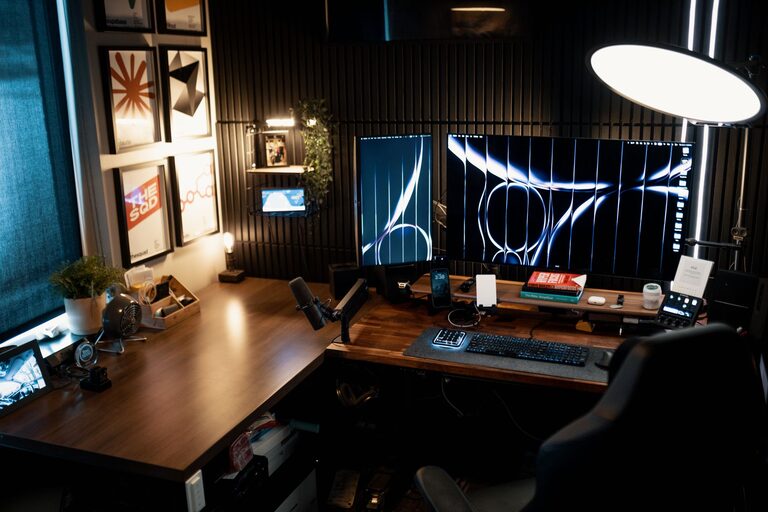
Creating a relaxing home workspace is essential for anyone who works remotely or spends significant time at a desk. The right environment can help improve concentration, reduce stress, and make your workday more enjoyable. Whether you have a dedicated room or a small corner, you can design a space that feels calm and inviting. Here’s how to create a relaxing home workspace that supports your well-being and productivity.
Working in a cluttered or noisy environment can increase anxiety and reduce efficiency. A relaxing workspace encourages focus by minimizing distractions and contributing to a positive mindset. When your workspace feels comfortable and peaceful, you’re more likely to stay motivated and maintain a healthy work-life balance.
Natural light can uplift your mood and help regulate your body clock. If possible, position your desk near a window. Avoid direct glare on your computer screen by using sheer curtains or blinds.
Pick a quiet spot away from household traffic or noisy appliances. If space is limited, consider noise-canceling headphones or a white noise machine to block out background sounds.
A supportive, adjustable chair reduces back strain and improves posture. Look for one with lumbar support and adjustable height.
Your desk should allow your elbows to be at a 90-degree angle when typing. If a full desk setup isn’t possible, a sturdy table or even a standing desk converter can work.
Consider using a footrest, monitor stand, or keyboard tray to enhance comfort and reduce physical stress.
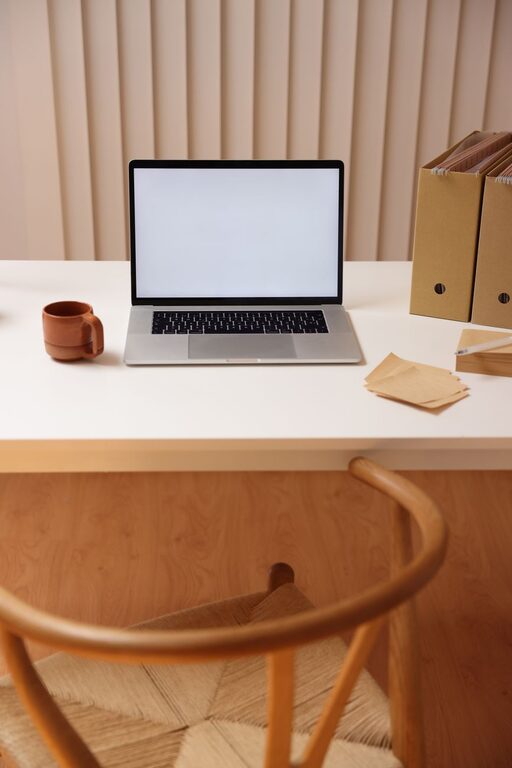
Having too many items can be overwhelming. Limit your desk items to the tools and supplies you use daily.
Drawers, shelves, and organizers help keep documents and supplies out of sight but within reach.
Organize your computer files regularly to streamline your workflow and reduce digital clutter.
Soft hues like blues, greens, or neutrals can create a soothing atmosphere. Avoid overly bright or harsh colors that may cause eye strain.
Indoor plants can improve air quality and add a touch of nature, which has been shown to reduce stress.
A few photos, artwork, or inspirational quotes can add personality without overcrowding your space.
Combine natural light with adjustable desk lamps or overhead lighting to reduce eye fatigue.
Keep the room at a comfortable temperature. Use fans or heaters as needed, but avoid drafts or direct airflow.
Use soft background music, nature sounds, or sound machines to create a peaceful environment.
A subtle aroma from essential oils or candles can help focus or relax, but be mindful of sensitivities.
Incorporate short relaxation routines like stretching, breathing exercises, or a walk to refresh your mind during work hours.
Use clips, sleeves, or boxes to keep cables tidy and prevent tangles.
Regularly clean your keyboard, mouse, and screen to keep your workspace pleasant and hygienic.
Ensure your monitor is at eye level, and your keyboard and mouse are positioned to avoid strain.
Creating a relaxing home workspace doesn’t require a major renovation. By paying attention to location, comfort, organization, and ambiance, you can build a space that supports both productivity and well-being. Remember, your workspace should reflect your needs and preferences, so feel free to experiment until you find what works best for you. With a thoughtful setup, you’ll enjoy a calmer, more focused work experience every day.